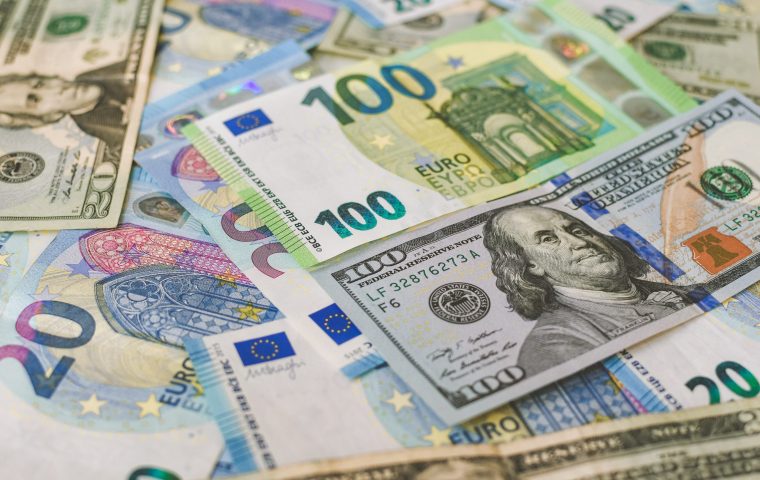
Compare International Money Transfers
 United Kingdom

 India
India
 United Arab Emirates
United Kingdom
United Arab Emirates
United Kingdom
 United States
 Australia
 Austria
 Belgium
 Brazil
 Canada
 Cyprus
 Czech Republic
 Denmark
 Finland
 France
 Germany
 Greece
 Ireland
 Israel
 Italy
Italy
 Latvia
 Liechtenstein
 Lithuania
 Malaysia
 Malta
Malta
 Netherlands
 New Zealand
 Norway
 Poland
 Portugal
 Romania
 Singapore
 Slovakia
 Spain
Spain
 Sweden
 Switzerland
 Thailand
 Turkey
Germany
Turkey
Germany
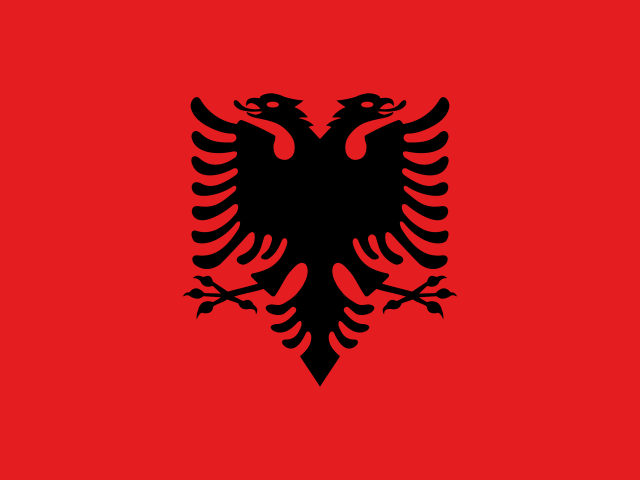 Albania
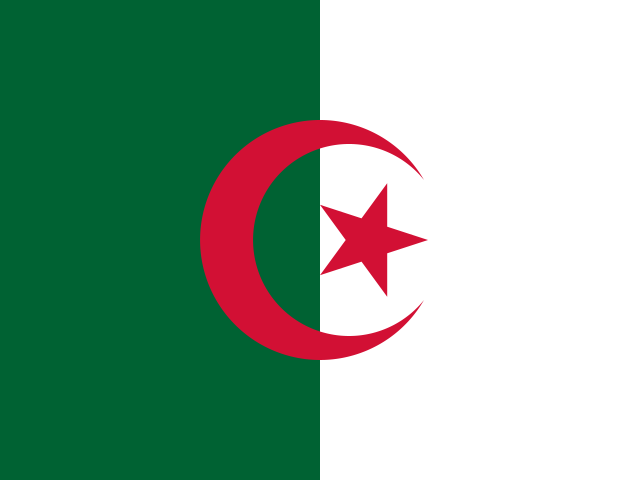 Algeria
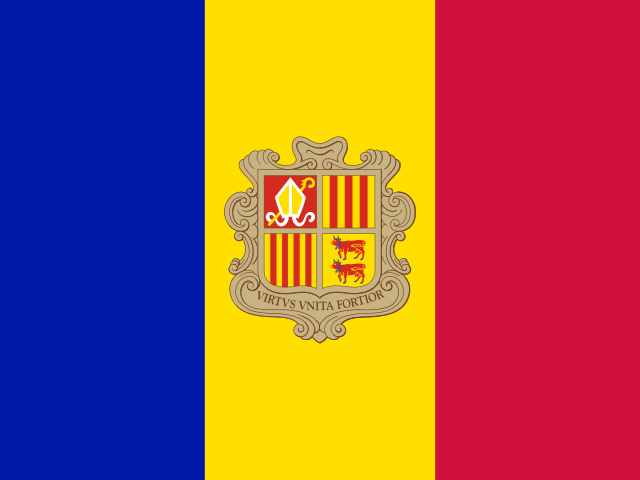 Andorra
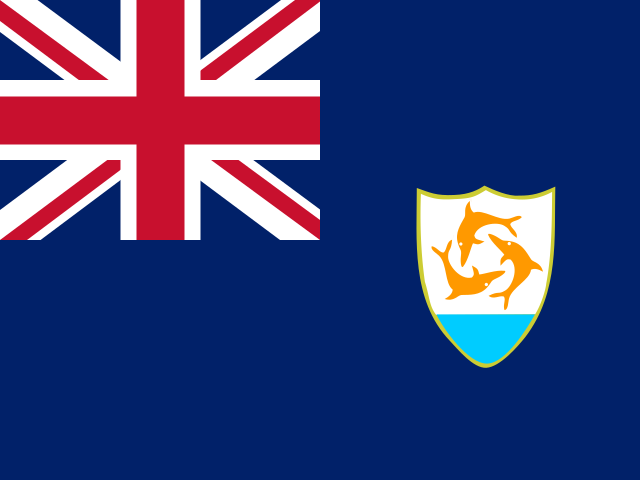 Anguilla
 Antigua and Barbuda
 Argentina
 Armenia
Australia
Austria
Armenia
Australia
Austria
 Azerbaijan
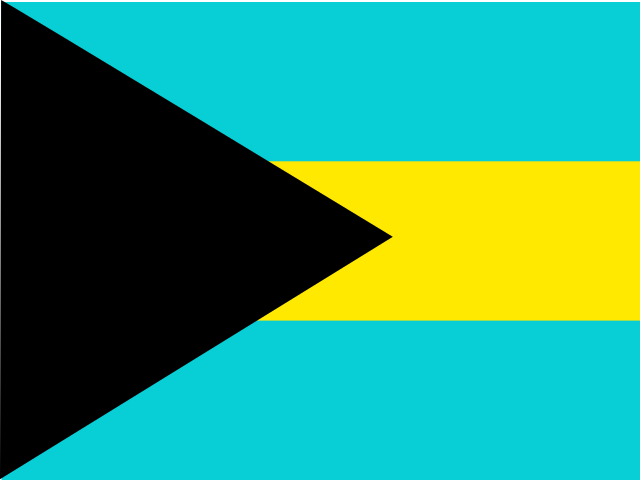 Bahamas
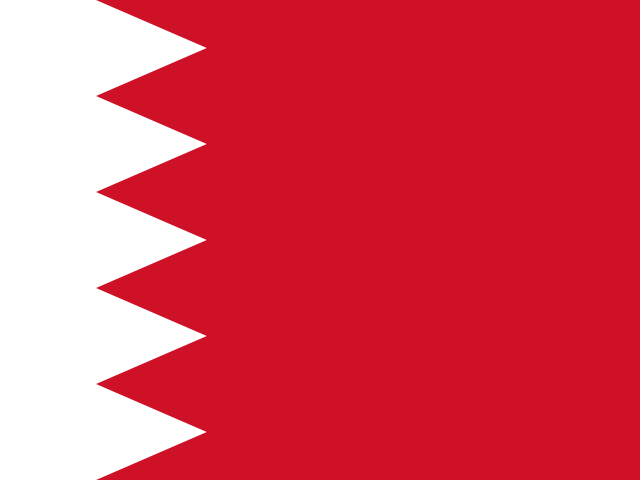 Bahrain
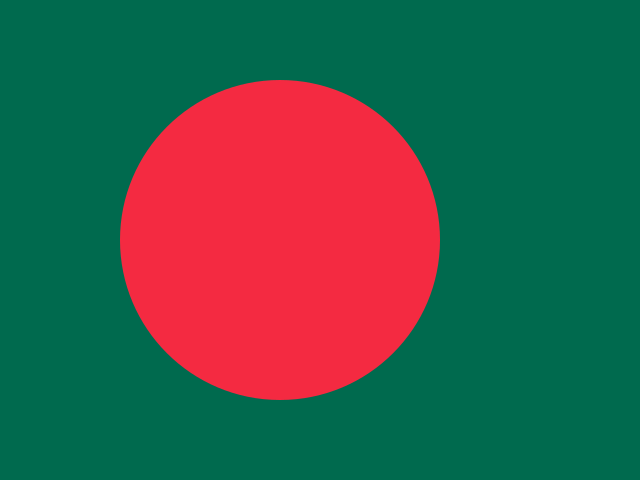 Bangladesh
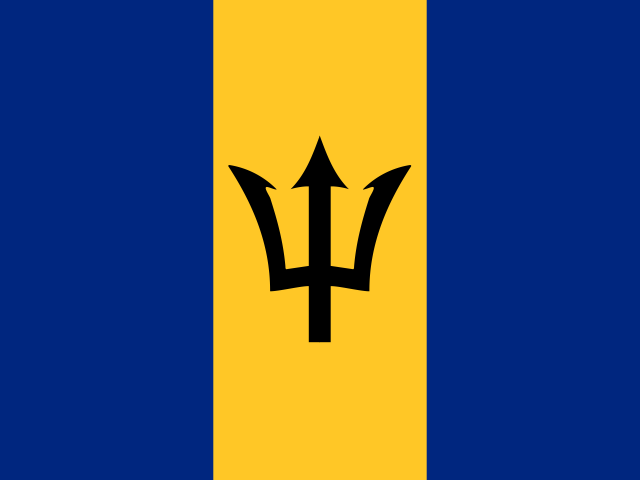 Barbados
 Belarus
Belgium
Belarus
Belgium
 Belize
 Benin
Benin
 Bermuda
 Bhutan
 Bolivia, Plurinational State of
 Bosnia and Herzegovina
 Botswana
Brazil
Botswana
Brazil
 Brunei Darussalam
 Bulgaria
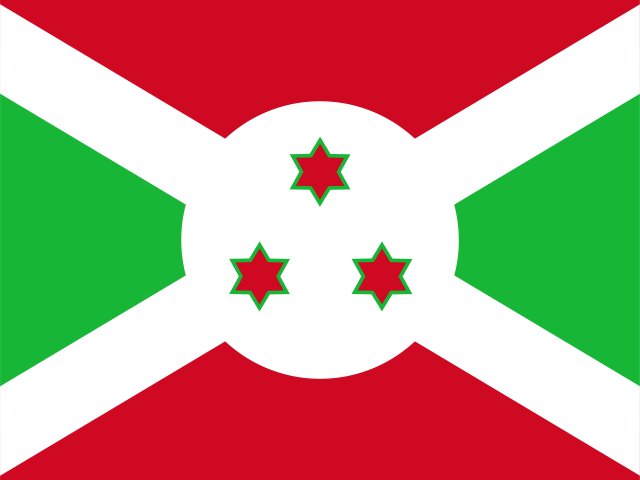 Burundi
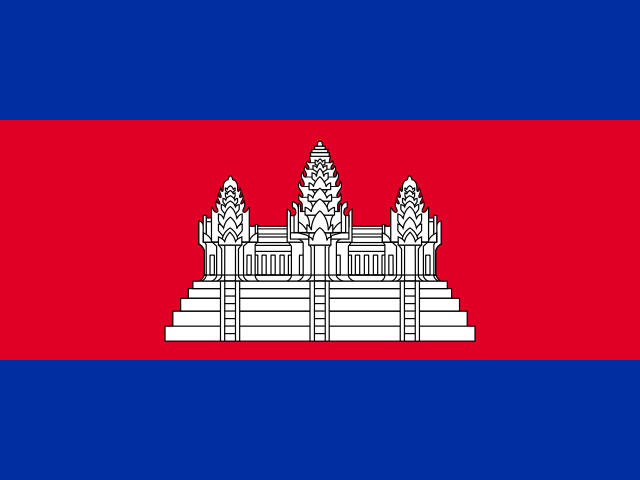 Cambodia
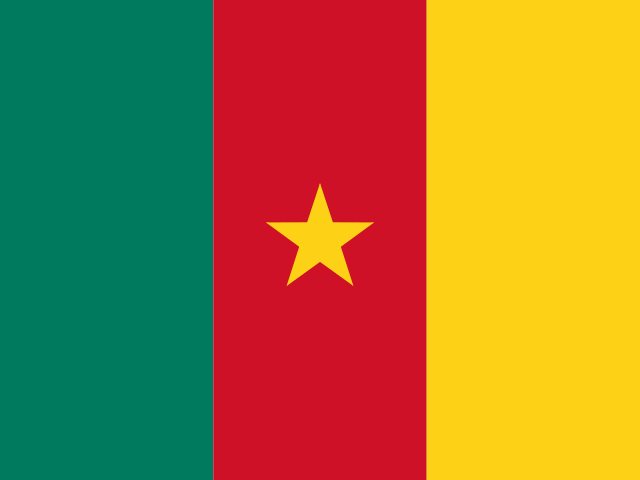 Cameroon
Canada
Cameroon
Canada
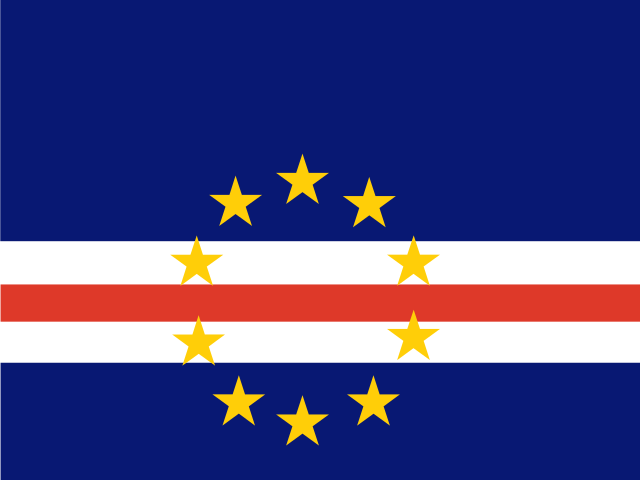 Cape Verde
 Cayman Islands
 Chile
Chile
 China
China
 Colombia
 Comoros
 Congo
Congo
 Congo, the Democratic Republic of the
 Costa Rica
 Cote d'Ivoire
 Croatia
Cyprus
Czech Republic
Denmark
Croatia
Cyprus
Czech Republic
Denmark
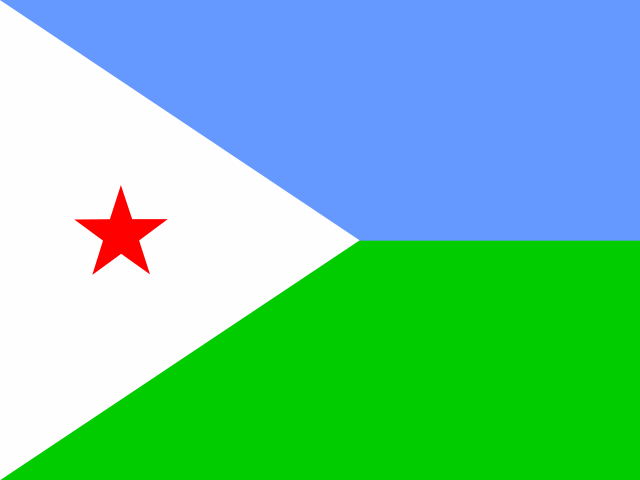 Djibouti
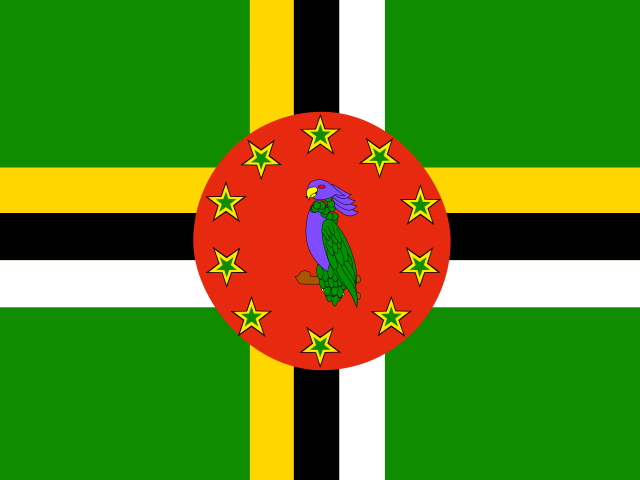 Dominica
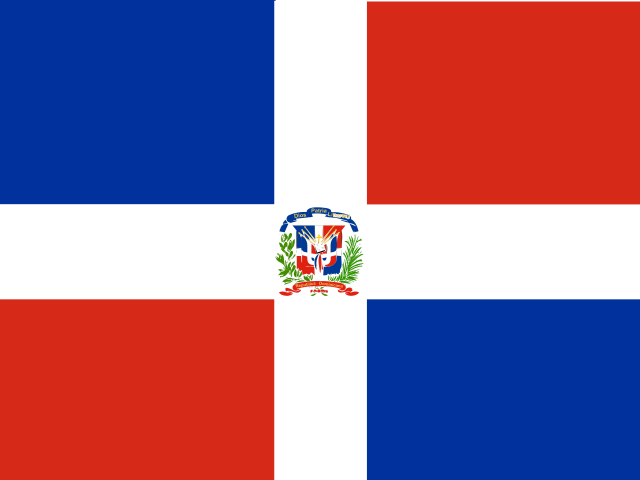 Dominican Republic
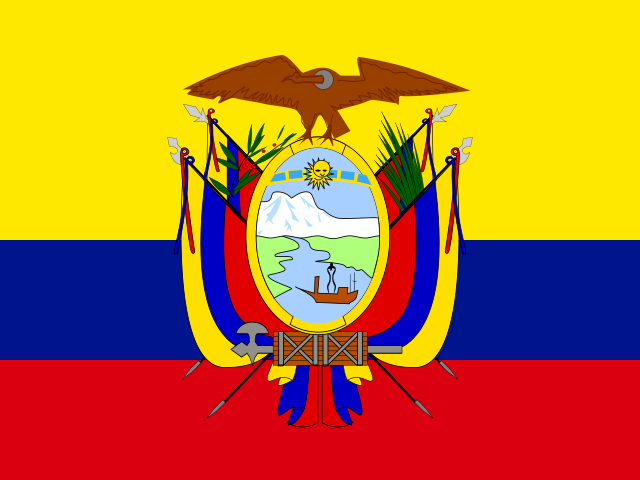 Ecuador
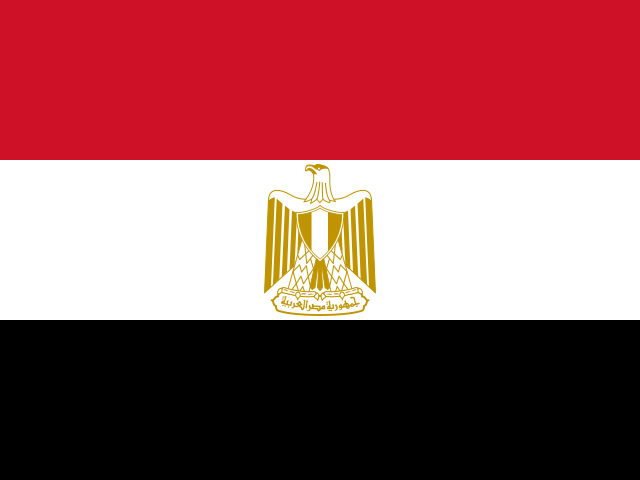 Egypt
Egypt
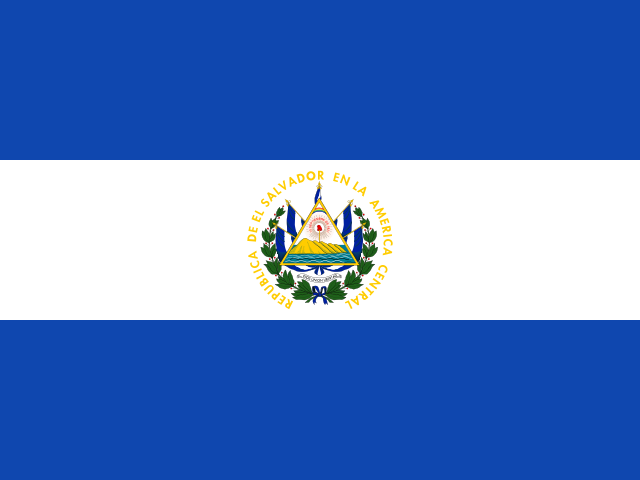 El Salvador
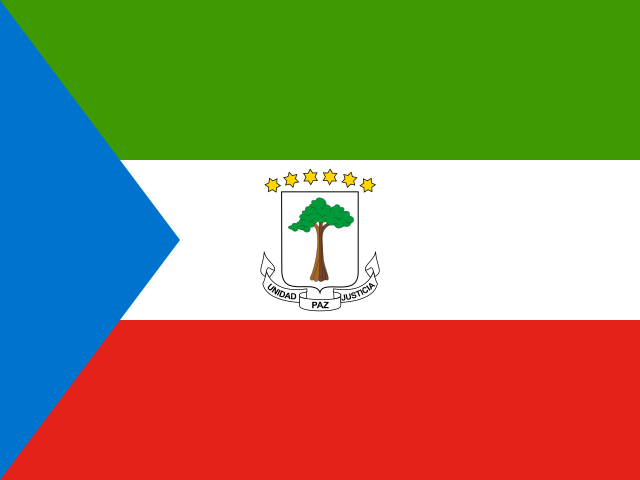 Equatorial Guinea
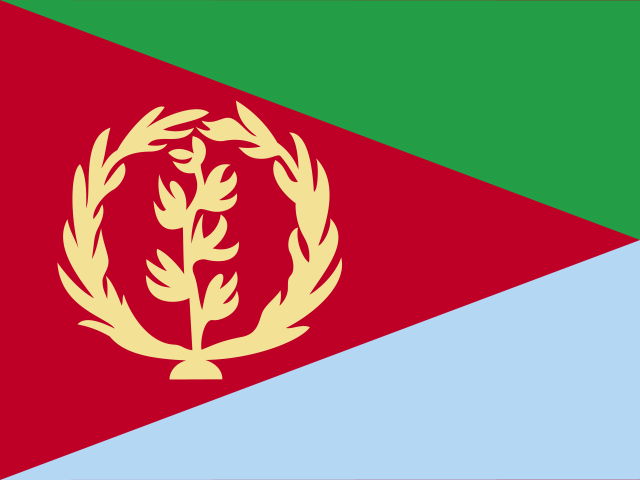 Eritrea
 Estonia
 Ethiopia
 Fiji
Finland
France
Fiji
Finland
France
 Gabon
Gabon
 Gambia
 Georgia
Germany
Georgia
Germany
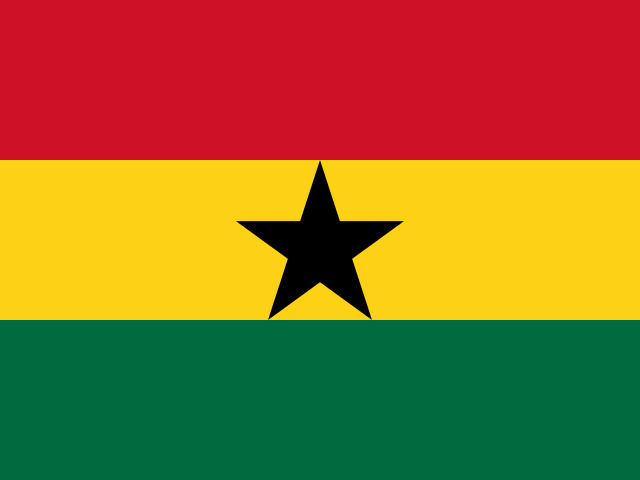 Ghana
Ghana
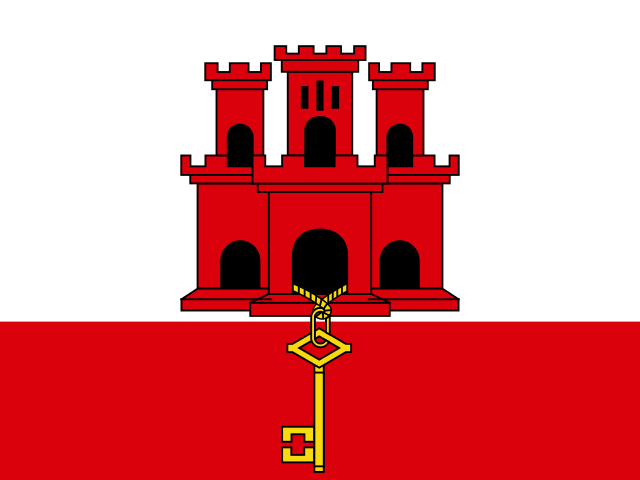 Gibraltar
Greece
Gibraltar
Greece
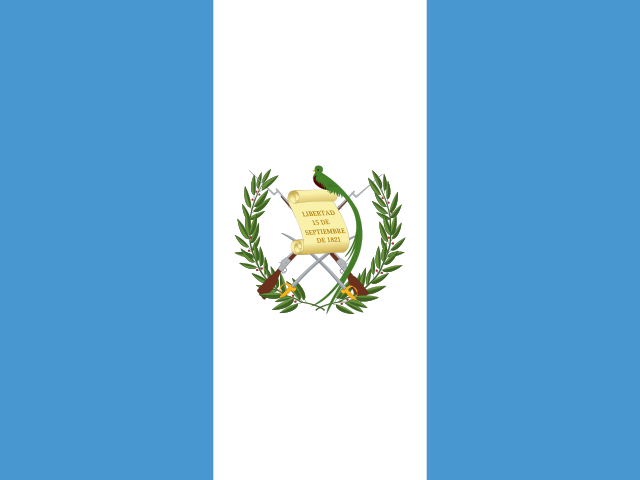 Guatemala
 Guinea
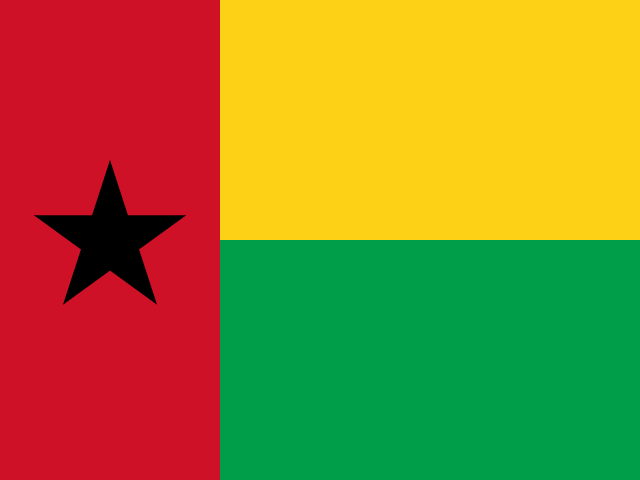 Guinea-Bissau
 Guyana
 Haiti
Haiti
 Honduras
 Hong Kong
 Hungary
 Iceland
India
Iceland
India
 Indonesia
Ireland
Israel
Italy
Indonesia
Ireland
Israel
Italy
 Jamaica
 Japan
Japan
 Jordan
 Kazakhstan
 Kenya
Kenya
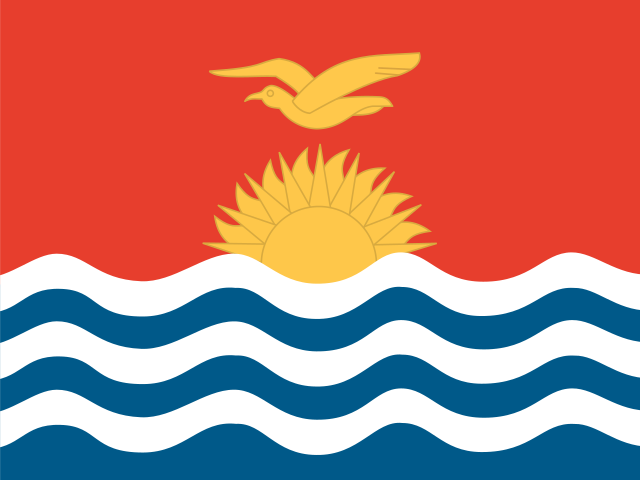 Kiribati
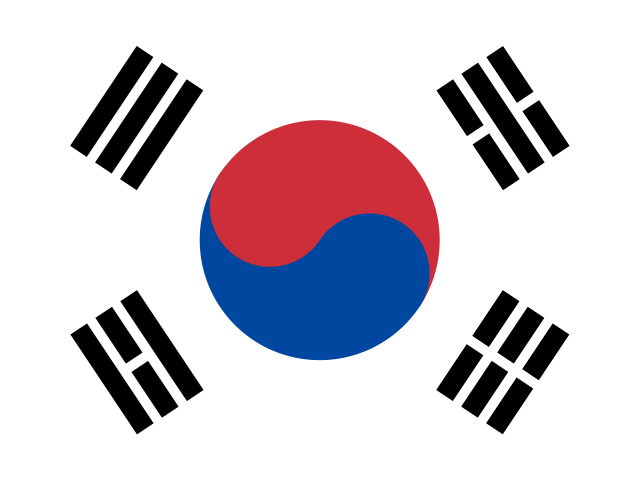 Korea, Republic of
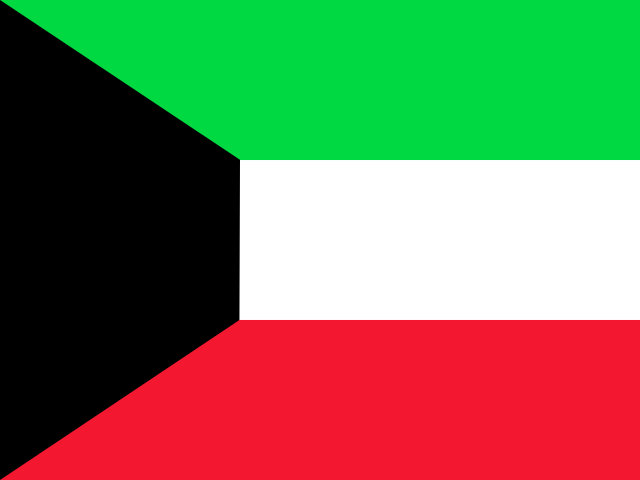 Kuwait
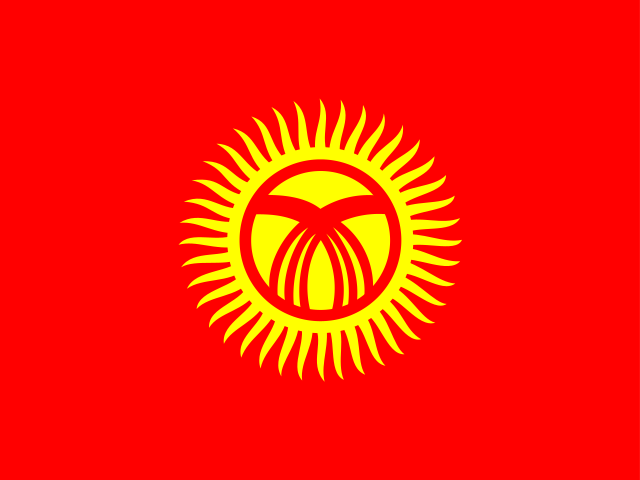 Kyrgyzstan
 Lao People's Democratic Republic
Latvia
Lao People's Democratic Republic
Latvia
 Lebanon
 Lesotho
 Liberia
Liechtenstein
Lithuania
Liberia
Liechtenstein
Lithuania
 Luxembourg
 Macedonia, the Former Yugoslav Republic of
 Madagascar
 Malawi
Malaysia
Malawi
Malaysia
 Maldives
Malta
Maldives
Malta
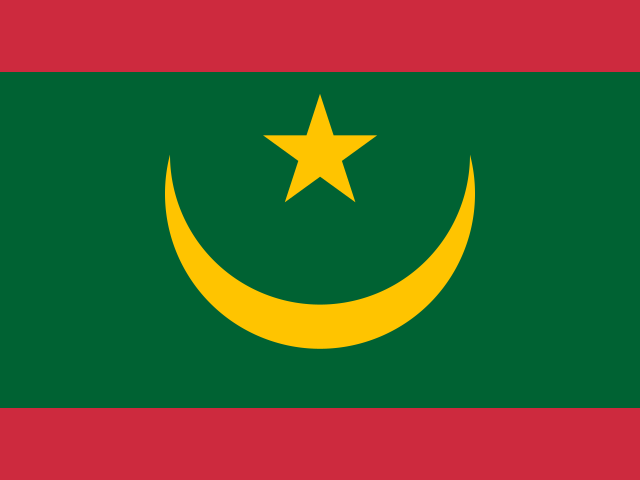 Mauritania
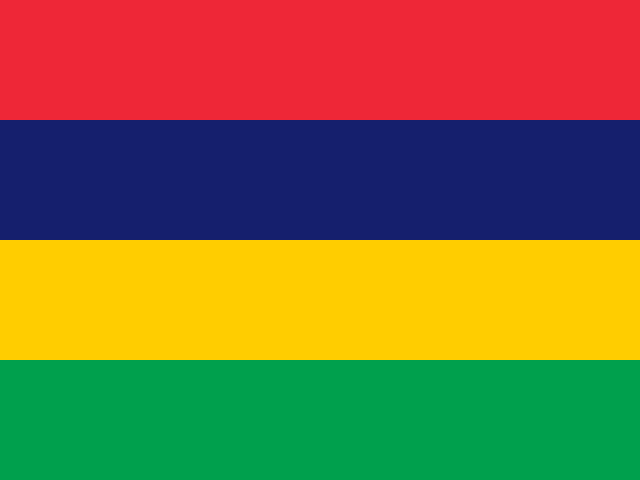 Mauritius
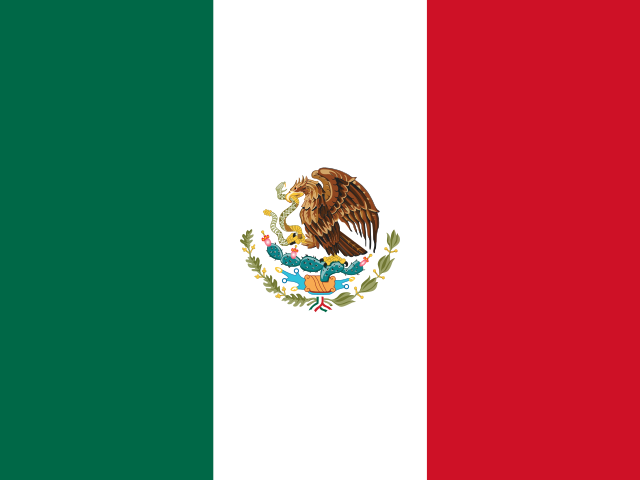 Mexico
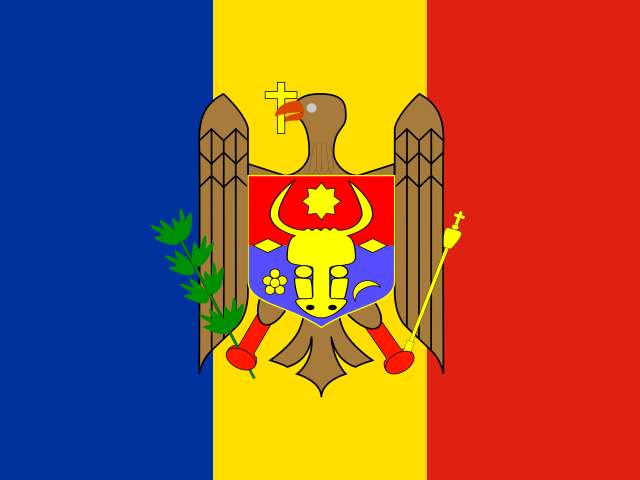 Moldova, Republic of
 Monaco
 Mongolia
 Montenegro
 Morocco
 Mozambique
 Myanmar
 Namibia
 Nepal
Netherlands
New Zealand
Nepal
Netherlands
New Zealand
 Nicaragua
 Nigeria
Norway
Nigeria
Norway
 Oman
Oman
 Pakistan
 Panama
 Papua New Guinea
 Paraguay
 Peru
Peru
 Philippines
Poland
Portugal
Philippines
Poland
Portugal
 Puerto Rico
 Qatar
Romania
Qatar
Romania
 Russian Federation
 Rwanda
 Saint Kitts and Nevis
 Saint Lucia
 Samoa
Samoa
 San Marino
 Saudi Arabia
 Senegal
 Serbia
 Seychelles
 Sierra Leone
Singapore
Slovakia
Sierra Leone
Singapore
Slovakia
 Slovenia
 Solomon Islands
 Somalia
 South Africa
Spain
South Africa
Spain
 Sri Lanka
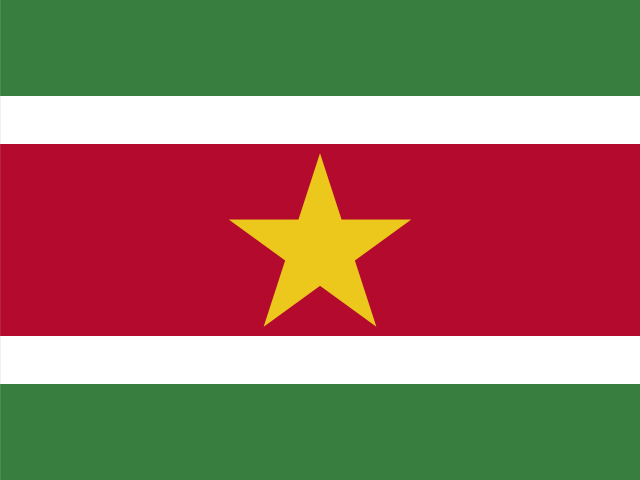 Suriname
Sweden
Switzerland
Suriname
Sweden
Switzerland
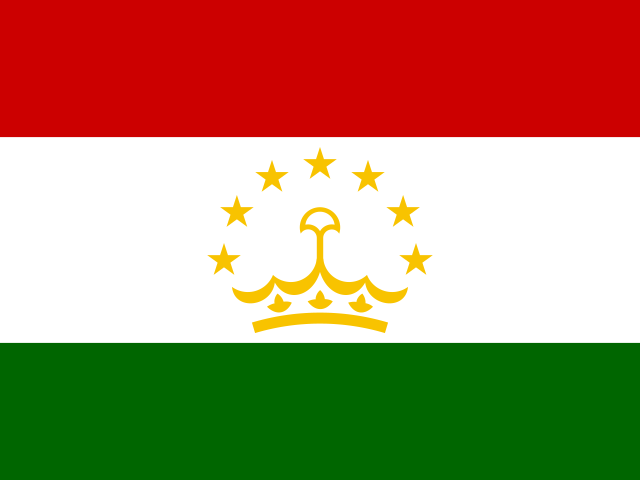 Tajikistan
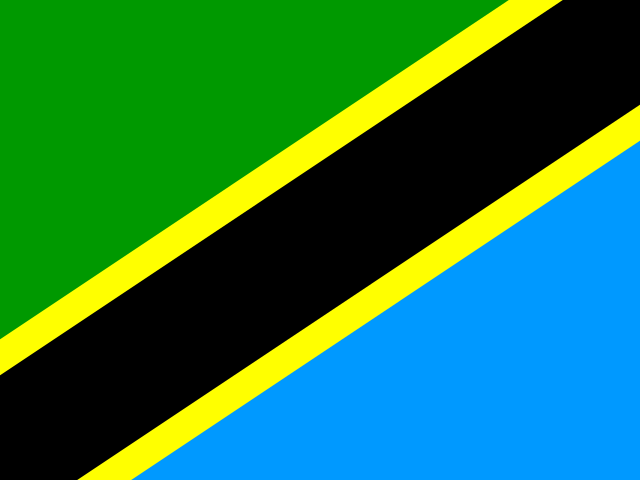 Tanzania, United Republic of
Thailand
Tanzania, United Republic of
Thailand
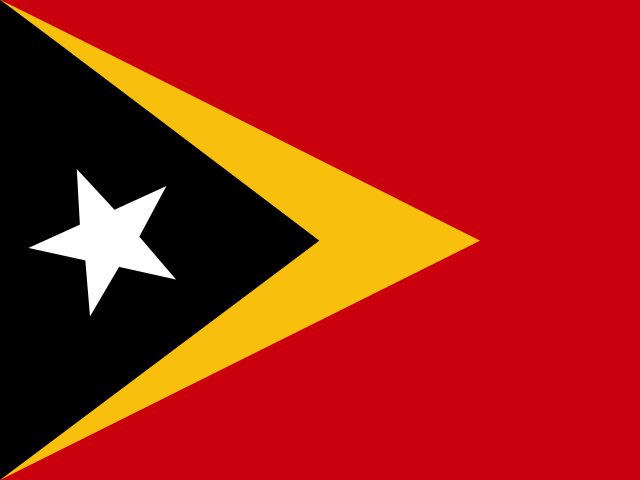 Timor-Leste
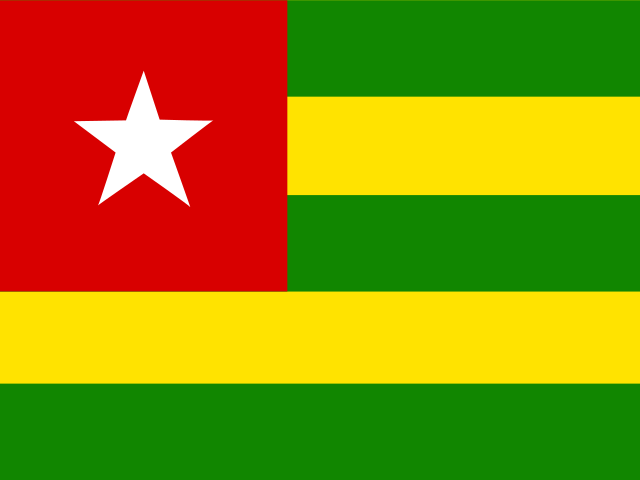 Togo
Togo
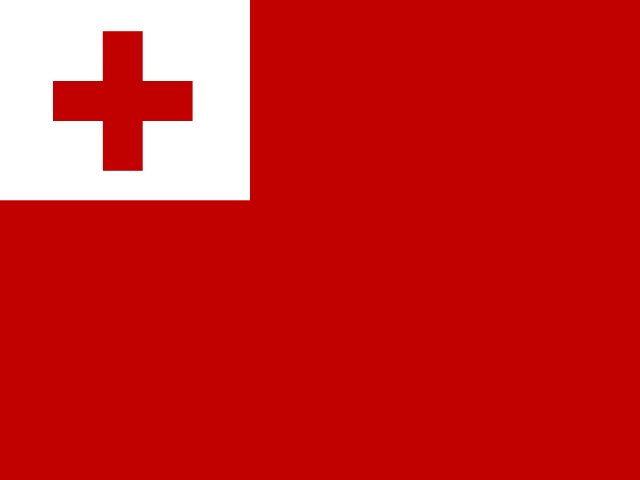 Tonga
Tonga
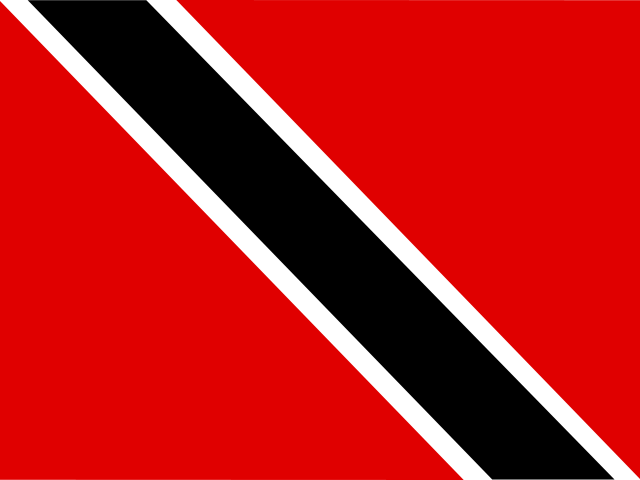 Trinidad and Tobago
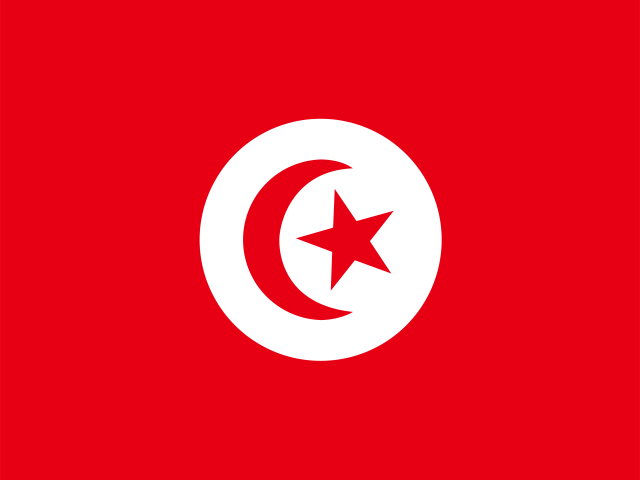 Tunisia
Turkey
Tunisia
Turkey
 Turkmenistan
 Turks and Caicos Islands
 Uganda
 Ukraine
United Arab Emirates
United Kingdom
United States
Ukraine
United Arab Emirates
United Kingdom
United States
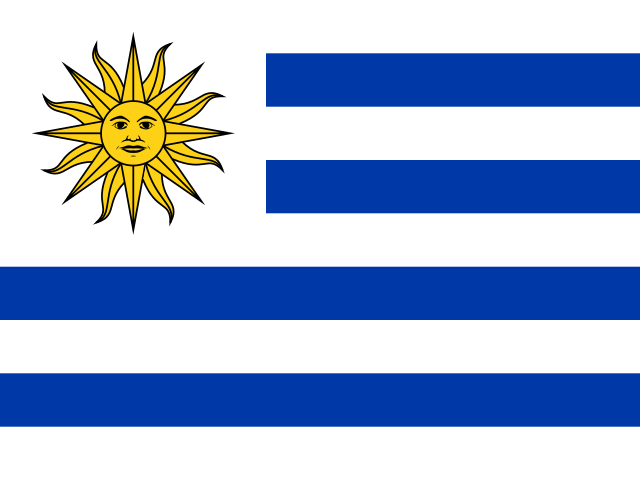 Uruguay
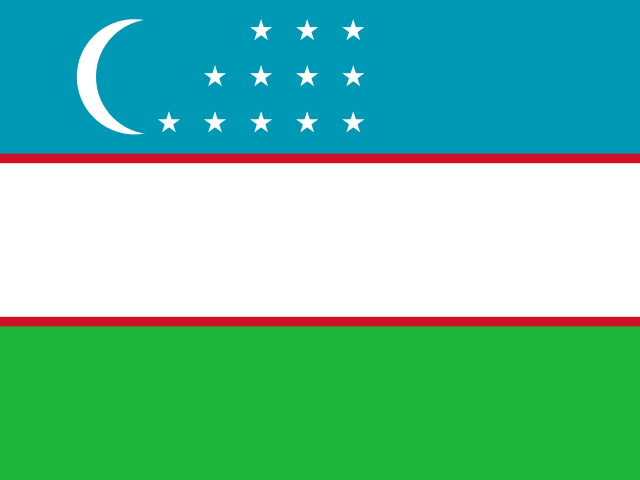 Uzbekistan
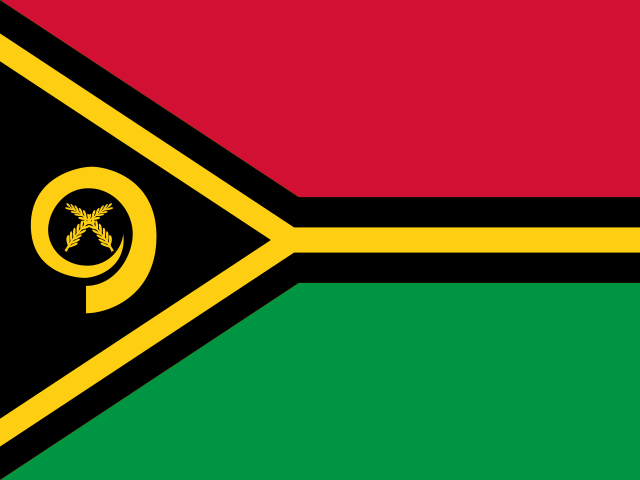 Vanuatu
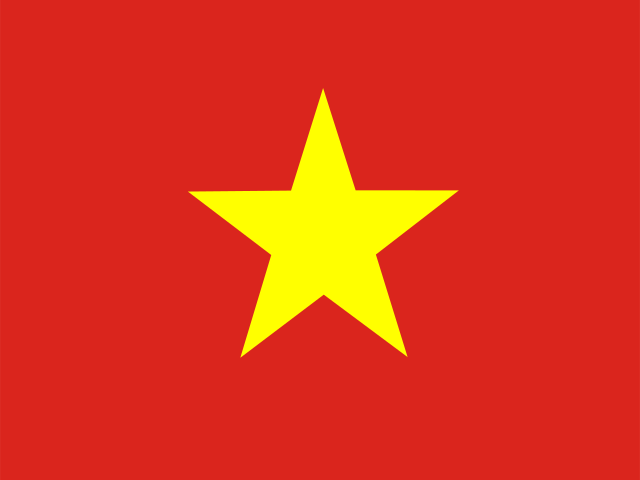 Viet Nam
 Zambia
 Zimbabwe
Our Free Price Comparison Services
We show you how to pay less for foreign currency
Compare rates from all the major foreign exchange providers in one place. Simply choose how you want to exchange money to get started:
Cheap
Find the cheapest currency provider from our carefully-vetted panel of dozens, using our free search tools. You will never pay extra commission for being introduced by us.
Reliable
Read genuine, uncensored reviews of currency providers, from real users like you. Crowd feedback keeps only the most reliable currency providers listed here.
Secure
This site, and every site we link to, runs on Secure Socket Layer technology and adheres to all data protection laws, to keep your details from falling into the wrong hands.
Informed
Browse our knowledge base in the resources section and our blog. The articles are full of tips to avoid getting ripped off when buying or selling currency online.